github.com/d3/d3-force @v3.0.0
Chat with this repoWhat it actually does AI analysis from the code graph — generated when you open this
README
d3-force
This module implements a velocity Verlet numerical integrator for simulating physical forces on particles. The simulation is simplified: it assumes a constant unit time step Δt = 1 for each step, and a constant unit mass m = 1 for all particles. As a result, a force F acting on a particle is equivalent to a constant acceleration a over the time interval Δt, and can be simulated simply by adding to the particle’s velocity, which is then added to the particle’s position.
In the domain of information visualization, physical simulations are useful for studying networks and hierarchies!
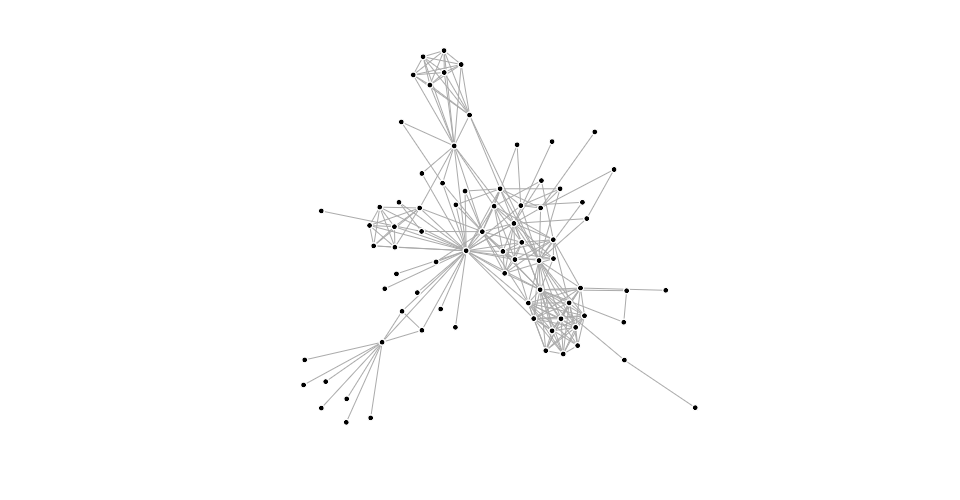
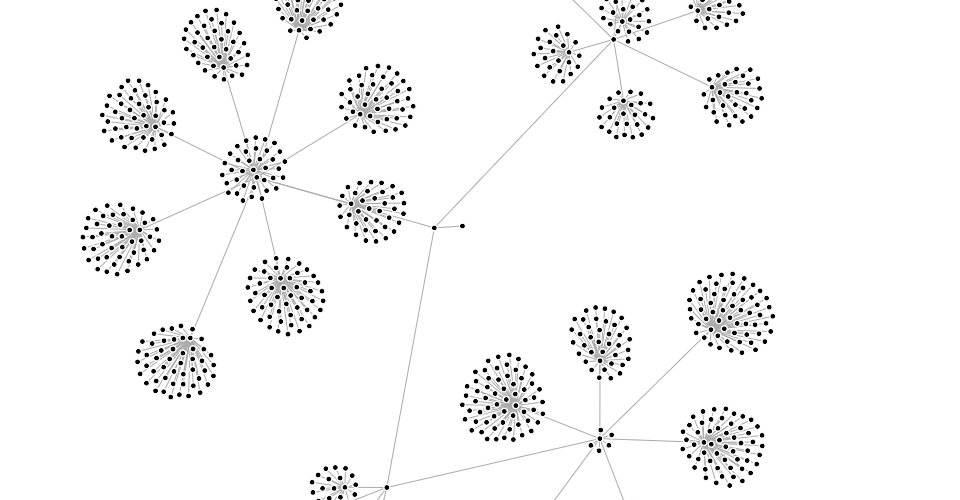
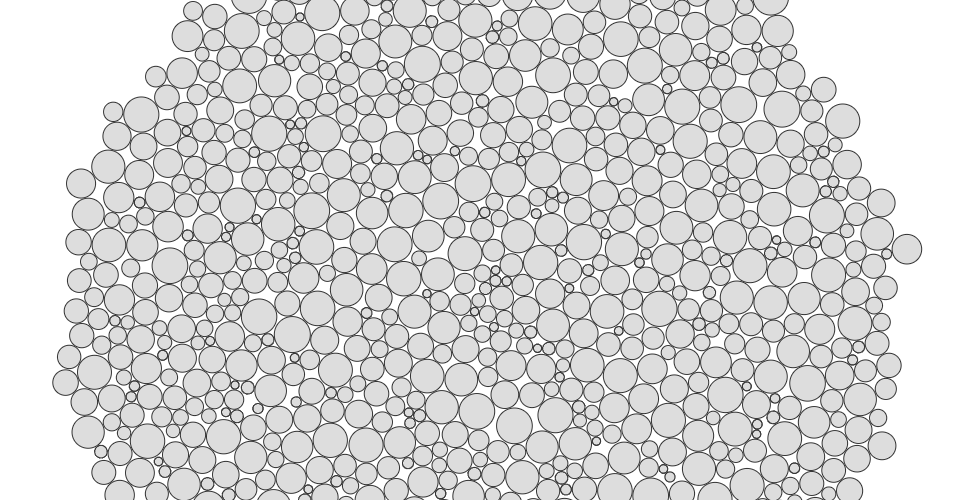
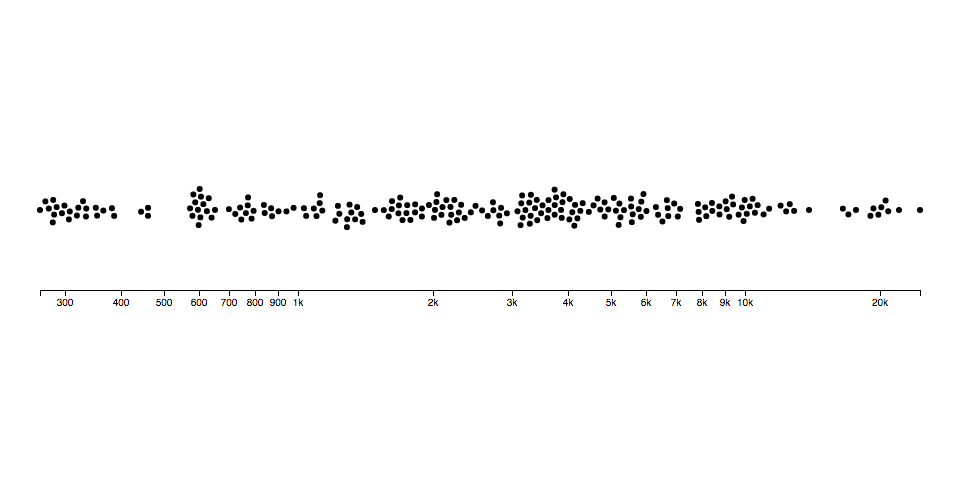
You can also simulate circles (disks) with collision, such as for bubble charts or beeswarm plots:
You can even use it as a rudimentary physics engine, say to simulate cloth:
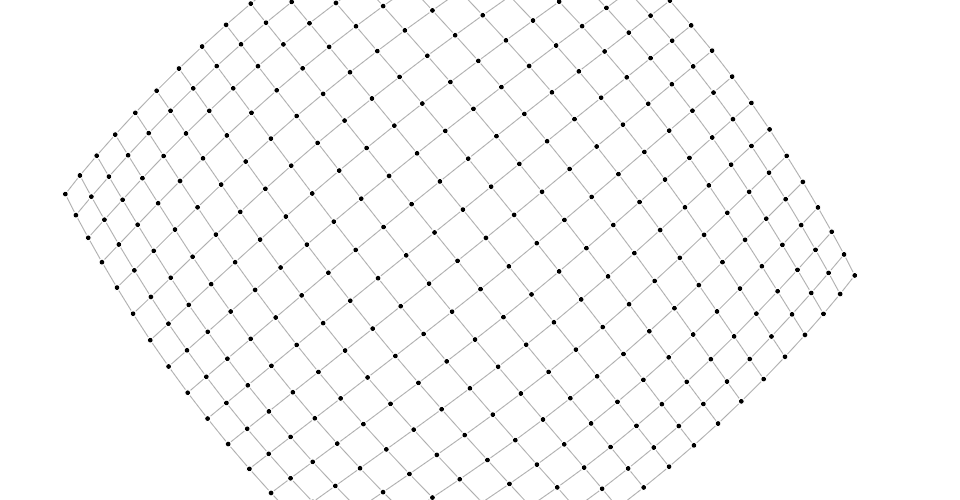
To use this module, create a simulation for an array of nodes, and compose the desired forces. Then listen for tick events to render the nodes as they update in your preferred graphics system, such as Canvas or SVG.
Installing
If you use npm, npm install d3-force. You can also download the latest release on GitHub. For vanilla HTML in modern browsers, import d3-force from Skypack:
<script type="module">

import {forceSimulation} from "https://cdn.skypack.dev/d3-force@3";

const simulation = forceSimulation(nodes);

</script>
For legacy environments, you can load d3-force’s UMD bundle from an npm-based CDN such as jsDelivr; a d3 global is exported:
<script src="https://cdn.jsdelivr.net/npm/d3-dispatch@3"></script>
<script src="https://cdn.jsdelivr.net/npm/d3-quadtree@3"></script>
<script src="https://cdn.jsdelivr.net/npm/d3-timer@3"></script>
<script src="https://cdn.jsdelivr.net/npm/d3-force@3"></script>
<script>

const simulation = d3.forceSimulation(nodes);

</script>
API Reference
Simulation
# d3.forceSimulation([nodes]) · Source
Creates a new simulation with the specified array of nodes and no forces. If nodes is not specified, it defaults to the empty array. The simulator starts automatically; use simulation.on to listen for tick events as the simulation runs. If you wish to run the simulation manually instead, call simulation.stop, and then call simulation.tick as desired.
# simulation.restart() · Source
Restarts the simulation’s internal timer and returns the simulation. In conjunction with simulation.alphaTarget or simulation.alpha, this method can be used to “reheat” the simulation during interaction, such as when dragging a node, or to resume the simulation after temporarily pausing it with simulation.stop.
Stops the simulation’s internal timer, if it is running, and returns the simulation. If the timer is already stopped, this method does nothing. This method is useful for running the simulation manually; see simulation.tick.
# simulation.tick([iterations]) · Source
Manually steps the simulation by the specified number of iterations, and returns the simulation. If iterations is not specified, it defaults to 1 (single step).
For each iteration, it increments the current alpha by (alphaTarget - alpha) × alphaDecay; then invokes each registered force, passing the new alpha; then decrements each node’s velocity by velocity × velocityDecay; lastly increments each node’s position by velocity.
This method does not dispatch events; events are only dispatched by the internal timer when the simulation is started automatically upon creation or by calling simulation.restart. The natural number of ticks when the simulation is started is ⌈log(alphaMin) / log(1 - alphaDecay)⌉; by default, this is 300.
This method can be used in conjunction with simulation.stop to compute a static force layout. For large graphs, static layouts should be computed in a web worker to avoid freezing the user interface.
# simulation.nodes([nodes]) · Source
If nodes is specified, sets the simulation’s nodes to the specified array of objects, initializing their positions and velocities if necessary, and then re-initializes any bound forces; returns the simulation. If nodes is not specified, returns the simulation’s array of nodes as specified to the constructor.
Each node must be an object. The following properties are assigned by the simulation:
index- the node’s zero-based index into nodesx- the node’s current x-positiony- the node’s current y-positionvx- the node’s current x-velocityvy- the node’s current y-velocity
The position ⟨x,y⟩ and velocity ⟨vx,vy⟩ may be subsequently modified by forces and by the simulation. If either vx or vy is NaN, the velocity is initialized to ⟨0,0⟩. If either x or y is NaN, the position is initialized in a phyllotaxis arrangement, so chosen to ensure a deterministic, uniform distribution.
To fix a node in a given position, you may specify two additional properties:
fx- the node’s fixed x-positionfy- the node’s fixed y-position
At the end of each tick, after the application of any forces, a node with a defined node.fx has node.x reset to this value and node.vx set to zero; likewise, a node with a defined node.fy has node.y reset to this value and node.vy set to zero. To unfix a node that was previously fixed, set node.fx and node.fy to null, or delete these properties.
If the specified array of nodes is modified, such as when nodes are added to or removed from the simulation, this method must be called again with the new (or changed) array to notify the simulation and bound forces of the change; the simulation does not make a defensive copy of the specified array.
# simulation.alpha([alpha]) · Source
alpha is roughly analogous to temperature in simulated annealing. It decreases over time as the simulation “cools down”. When alpha reaches alphaMin, the simulation stops; see simulation.restart.
If alpha is specified, sets the current alpha to the specified number in the range [0,1] and returns this simulation. If alpha is not specified, returns the current alpha value, which defaults to 1.
# simulation.alphaMin([min]) · Source
If min is specified, sets the minimum alpha to the specified number in the range [0,1] and returns this simulation. If min is not specified, returns the current minimum alpha value, which defaults to 0.001. The simulation’s internal timer stops when the current alpha is less than the minimum alpha. The default alpha decay rate of ~0.0228 corresponds to 300 iterations.
# simulation.alphaDecay([decay]) · Source
If decay is specified, sets the alpha decay rate to the specified number in the range [0,1] and returns this simulation. If decay is not specified, returns the current alpha decay rate, which defaults to 0.0228… = 1 - pow(0.001, 1 / 300) where 0.001 is the default minimum alpha.
The alpha decay rate determines how quickly the current alpha interpolates towards the desired target alpha; since the default target alpha is zero, by default this controls how quickly the simulation cools. Higher decay rates cause the simulation to stabilize more quickly, but risk getting stuck in a local minimum; lower values cause the simulation to take longer to run, but typically converge on a better layout. To have the simulation run forever at the current alpha, set the decay rate to zero; alternatively, set a target alpha greater than the minimum alpha.
# simulation.alphaTarget([target]) · Source
If target is specified, sets the current target alpha to the specified number in the range [0,1] and returns this simulation. If target is not specified, returns the current target alpha value, which defaults to 0.
# simulation.velocityDecay([decay]) · Source
If decay is specified, sets the velocity decay factor to the specified number in the range [0,1] and returns this simulation. If decay is not specified, returns the current velocity decay factor, which defaults to 0.4. The decay factor is akin to atmospheric friction; after the application of any forces during a tick, each node’s velocity is multiplied by 1 - decay. As with lowering the alpha decay rate, less velocity decay may converge on a better solution, but risks numerical instabilities and oscillation.
# simulation.force(name[, force]) · Source
If force is specified, assigns the force for the specified name and returns this simulation. If force is not specified, returns the force with the specified name, or undefined if there is no such force. (By default, new simulations have no forces.) For example, to create a new simulation to layout a graph, you might say:
var simulation = d3.forceSimulation(nodes)
    .force("charge", d3.forceManyBody())
    .force("link", d3.forceLink(links))
    .force("center", d3.forceCenter());
To remove the force with the given name, pass null as the force. For example, to remove the charge force:
simulation.force("charge", null);
# simulation.find(x, y[, radius]) · Source
Returns the node closest to the position ⟨x,y⟩ with the given search radius. If radius is not specified, it defaults to infinity. If there is no node within the search area, returns undefined.
# simulation.randomSource([source]) <>)
If source is specified, sets the function used to generate random numbers; this should be a function that returns a number between 0 (inclusive) and 1 (exclusive). If source is not specified, returns this simulation’s current random source which defaults to a fixed-seed [linear congruential generator](https://en.wikipedia.org/w
Core symbols most depended-on inside this repo
assertNodeEqualShape
Languages
Modules by API surface
Used by 15 indexed graphs manifest dependencies, hub-wide
Dependencies from manifests, versioned
For agents
$ claude mcp add d3-force \
  -- python -m otcore.mcp_server <graph>