github.com/leaferjs/leafer-ui @v2.1.10 sqlite
README
English | 简体中文
LeaferJS: An Easy-to-Use Canvas Engine
Effortlessly build graphic interaction and editing — an infinite canvas engine for the AI era
Official Website: leaferjs.com
👉 A Canvas engine that can handle 1 million graphics in the browser
👉 A Canvas core capable of building Figma-level editors
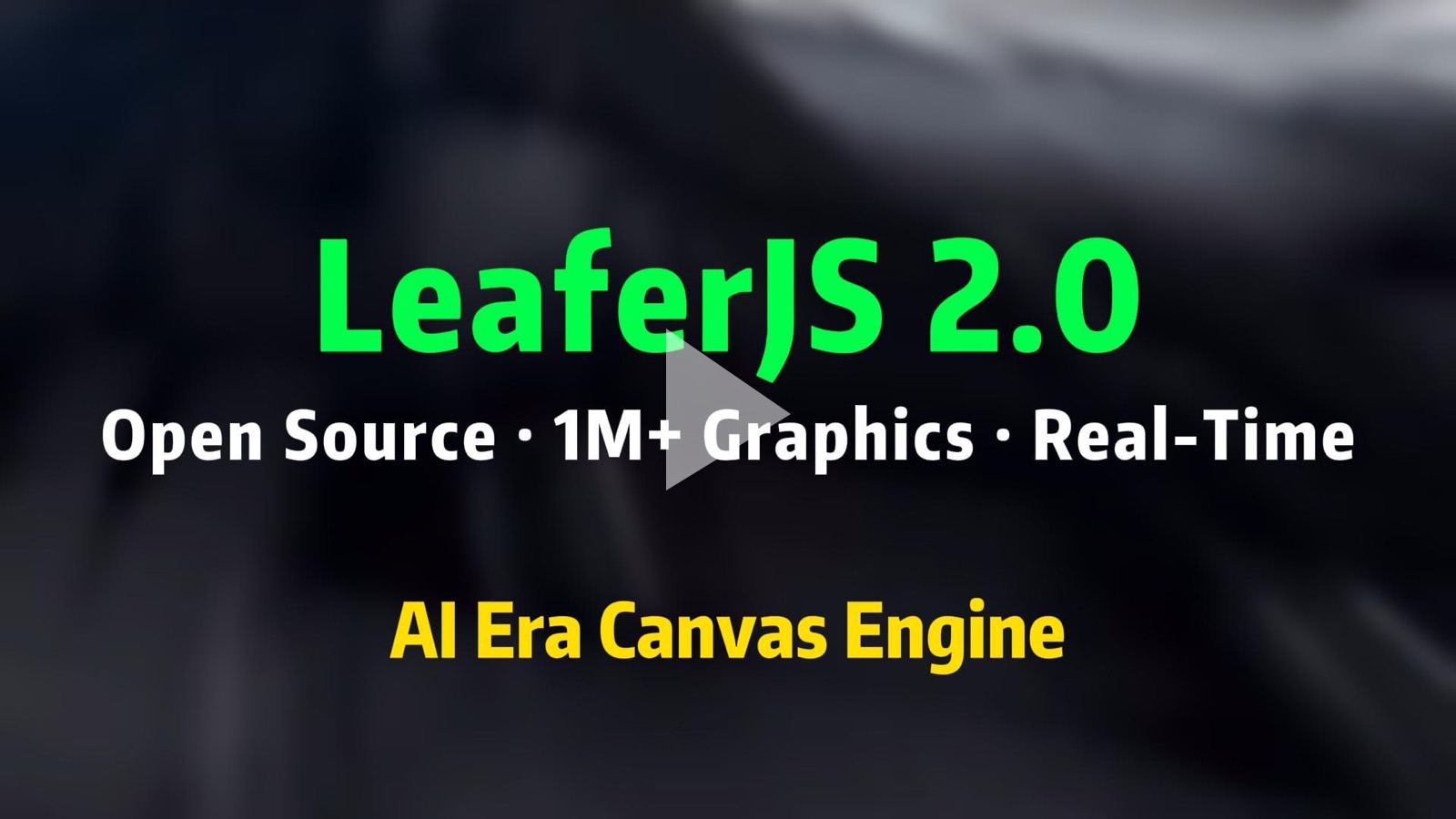
Extreme Performance · Ultra-Low Memory · DOM-like API · Graphic Editing · Cross-Platform · Zero Dependencies · Lightweight (70KB min+gzip)



🧐 Why Choose LeaferJS?
In Web graphics development, developers often face a trade-off between performance and usability.
LeaferJS aims to eliminate this compromise. Rebuilt from the ground up, it not only pushes the limits of Web rendering and interaction performance, but also pursues ultimate simplicity in developer experience. It is a standardized engine designed for productivity tools handling large-scale, high-density, and massive-layer graphics.
🏗️ Why an Infinite Canvas Engine for the AI Era?
With the explosion of AI-generated content, the challenge for graphics engines has shifted from “how to render” to “how to organize and refine”:
- ⚡ Extreme Capacity: Handles millions of interactive layers smoothly, perfectly accommodating massive AI-generated fragments.
- 🤖 Semantic Editing: A structured scene tree allows AI to manipulate graphics like the DOM, enabling true AI collaborative workflows.
- 🛠️ Native Editor: Built-in Editor plugin enables one-click access to industrial-grade editing features such as rotation, scaling, and multi-selection for AI-generated content.
Leafer AI Knowledge Base | MCP & Skills | Ask AI
🎨 Use Cases
With its extreme performance and standardized capabilities, LeaferJS is an ideal foundation for:
- 🤖 AI Applications: Infinite AI canvas, AI design tools, generative UI interactions.
- 🛠️ Productivity Tools: Graphic editors, online design platforms (Figma/Canva-like), whiteboards, low-code engines.
- 📊 Industrial Visualization: Large-scale node systems, flowcharts, asset monitoring, massive topology diagrams.
- 🎬 Digital Content Generation: Batch image/poster generation, short video frame rendering (Node.js), interactive H5.
- 🎮 Interactive Applications: Lightweight games, brand interactive apps, high-frequency data dashboards.
🔥 Performance
LeaferJS pushes the ceiling of Web graphics processing by approximately 10x.
| Test (1M Interactive Rectangles) | Traditional Canvas Libraries | LeaferJS | Improvement |
|---|---|---|---|
| Initial Render Time | ~9–15 seconds | 1.28s | ~8x faster 🎉 |
| Memory Usage | ~2-4GB (may crash browser) | 320MB | ~8x lower |
| Drag FPS (single element) | 0–4 FPS | 60 FPS | ~15x faster |
Test environment: 2K laptop screen / Chrome V143.0. Results are for reference only; actual performance depends on hardware.
Performance Details | Benchmark
⚡️ Core Capabilities
- 🎨 Powerful Graphics System: Complete scene tree supporting vector graphics, SVG paths, and pixel operations.
- 🧠 Ultra-Fast Interaction: Native support for drag, zoom, multi-touch, and millisecond-level hit testing.
- 🛠️ Built-in Editor Support: Integrated Editor plugin enabling scale, rotate, move, multi-select with one click.
- 🧩 Modern Layout Engine: Rare native Flexbox layout support in a Canvas engine — as natural as writing HTML.
- 🎬 State-Driven Animation: Built-in high-performance transitions and path animations for smooth dynamic interactions.
- 🌍 Cross-Platform: One codebase runs seamlessly on Web, Node.js, WeChat Mini Programs, and mobile H5.
Full Feature List | Live Examples
🛠️ Quick Start
npm install leafer-ui

# When using plugins, it is recommended to install core packages together
# to avoid version mismatch issues
npm install leafer-ui @leafer-ui/core @leafer-ui/draw
import { Leafer, Rect } from 'leafer-ui'

// Create an interactive app that adapts to the window
const leafer = new Leafer({ view: window })

// Create a draggable rectangle
const rect = new Rect({
  x: 100,
  y: 100,
  width: 200,
  height: 200,
  fill: '#32cd79',
  draggable: true,
})

leafer.add(rect)
Run Online Example | Editor Example
💼 Commercial Support & Sustainability
There is a significant gap between “an engine” and “a mature product.” To ensure long-term maintenance of the open-source engine and help enterprises overcome complex development challenges, we’ve built a transparent and sustainable ecosystem:
- LeaferJS Forever Open Source (MIT): Core features and foundational plugins remain open and free, ensuring developer freedom and control.
- PxGrow Commercial Plugins (Optional): Focused on solving complex industrial scenarios, including advanced editor suites, extreme performance optimizations, and complex graphic algorithms — saving months or even years of development time.
- Sustainable Growth: All commercial revenue is reinvested into the open-source engine to ensure LeaferJS stays at the forefront of Web graphics technology.
LeaferJS Repository Overview
| Repository | Description | Link |
|---|---|---|
| LeaferJS | Main integration repo (runnable) | GitHub |
| leafer | Core engine | GitHub |
| leafer-ui | UI layer | GitHub |
| leafer-in | Official plugins | GitHub |
| leafer-x | Community plugins showcase | GitHub |
| test | Automated testing | GitHub |
| code | Example code | GitHub |
| docs | Documentation | GitHub |
🌟 Contribute: Five Years of Craftsmanship, Built from Passion
LeaferJS is an original open-source engine refined over five years. Our mission is to standardize the graphics system foundation, so developers can focus on creativity rather than low-level implementation.
If you value originality and extreme performance, please give us a Star!

- 🌟 Star the repo: Your support means everything.
- 🐞 Report issues: Every issue helps us improve.
- 🤝 Join the community: Explore the limits of Web graphics together.
Contribution Guide
When you use LeaferJS, you become part of this vibrant community — stepping into a growing “tech castle.” Only through collective participation can it truly flourish.
How to Ask Questions the Smart Way
Acknowledgements
Sponsors
Gold Sponsors












Silver Sponsors
<a target="_blank" href="">
    <img width="40" title="怜生" src="https://www.pxgrow.com/image/user/default/3.jpg" loading="lazy" />
</a>
<a target="_blank" href="https://pro.kuaitu.cc/">
    <img width="40" title="快图设计" src="https://www.pxgrow.com/image/sponsor/user/72.jpg" loading="lazy" />
</a>
<a target="_blank" href="">
    <img width="40" title="black" src="https://api.pxgrow.com/uploads/avatar/249/AzA/4v/u.jpg" loading="lazy" />
</a>
<a target="_blank" href="">
    <img width="40" title="ARAM" src="https://api.pxgrow.com/uploads/avatar/3Pv/P26/zw/u.jpg" loading="lazy" />
</a>
<a target="_blank" href="">
    <img width="40" title="Winning" src="https://www.pxgrow.com/image/user/default/4.jpg" loading="lazy" />
</a>
<a target="_blank" href="">
    <img width="40" title="刘洋" src="https://www.pxgrow.com/image/user/default/2.jpg" loading="lazy" />
</a>
<a target="_blank" href="">
    <img width="40" title="张老爷" src="https://api.pxgrow.com/uploads/avatar/76z/6wz/Px/u.jpg" loading="lazy" />
</a>
<a target="_blank" href="">
    <img width="40" title="KevinJiaCN" src="https://www.pxgrow.com/image/user/default/3.jpg" loading="lazy" />
</a>
<a target="_blank" href="">
    <img width="40" title="goosen" src="https://www.pxgrow.com/image/sponsor/user/122.jpeg" loading="lazy" />
</a>
<a target="_blank" href="">
    <img width="40" title="dev_chen" src="https://www.pxgrow.com/image/sponsor/user/137.jpg" loading="lazy" />
</a>
<a target="_blank" href="https://github.com/leaferjs/leafer-ui/raw/v2.1.10/frameelf">
    <img width="40" title="o" src="https://api.pxgrow.com/uploads/avatar/3Pv/P2S/ww/u.jpg" loading="lazy" />
</a>
<a target="_blank" href="">
    <img width="40" title="Y" src="https://www.pxgrow.com/image/sponsor/user/131.jpg" loading="lazy" />
</a>
<a target="_blank" href="https://github.com/daodaolee">
    <img width="40" title="道里" src="https://www.pxgrow.com/image/sponsor/user/108.jpg" loading="lazy" />
</a>
<a target="_blank" href="">
    <img width="40" title="dong" src="https://www.pxgrow.com/image/sponsor/user/yellow.png" loading="lazy" />
Extension points exported contracts — how you extend this code
IPen (Interface)Core symbols most depended-on inside this repo
emitShape
Languages
Modules by API surface
Dependencies from manifests, versioned
For agents
$ claude mcp add leafer-ui \
  -- python -m otcore.mcp_server <graph>