github.com/zhiyiYo/PyQt-Fluent-Widgets @v1.7.0 sqlite
README

PyQt-Fluent-Widgets
A fluent design widgets library based on PyQt5




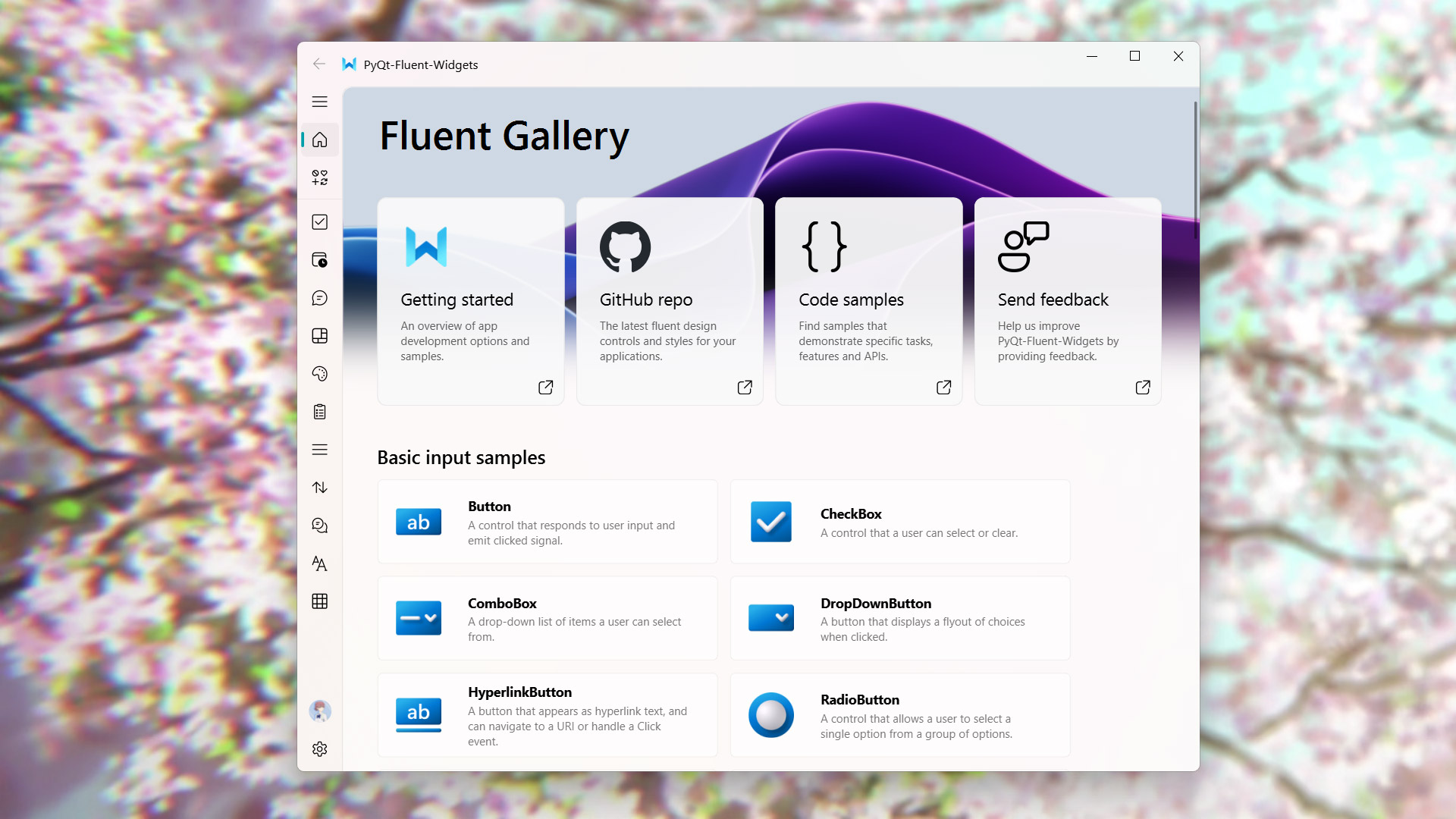
Install
To install lite version (AcrylicLabel is not available):
pip install PyQt-Fluent-Widgets -i https://pypi.org/simple/
Or install full-featured version:
pip install "PyQt-Fluent-Widgets[full]" -i https://pypi.org/simple/
If you are using PySide2, PySide6 or PyQt6, you can download the code in PySide2, PySide6 or PyQt6 branch.
The Pro version library contains more advance components. You can download PyQt-Fluent-Widgets-Pro-Gallery.zip from the release page for preview purposes.
C++ QFluentWidgets require purchasing a license from the official website. You can also download the compiled demo C++_QFluentWidgets.zip from the release page.
Warning Don't install PyQt-Fluent-Widgets, PyQt6-Fluent-Widgets, PySide2-Fluent-Widgets and PySide6-Fluent-Widgets at the same time, because their package names are all
qfluentwidgets.
Run Example
After installing PyQt-Fluent-Widgets package using pip, you can run any demo in the examples directory, for example:
cd examples/gallery
python demo.py
If you encounter ImportError: cannot import name 'XXX' from 'qfluentwidgets', it indicates that the package version you installed is too low. You can replace the mirror source with https://pypi.org/simple and reinstall again.
Documentation
Want to know more about PyQt-Fluent-Widgets? Please read the help document 👈
License
PyQt-Fluent-Widgets is licensed under GPLv3 for non-commercial project. For commercial use, please purchase a commercial license.
Copyright © 2021 by zhiyiYo.
Video Demonstration
Check out this ▶ example video that shows off what PyQt-Fluent-Widgets are capable of 🎉
Work with Designer
Fluent Client integrates designer plugins, supporting direct drag-and-drop usage of QFluentWidgets components in Designer. You can purchase the client from TaoBao.

See Also
Here are some projects based on PyQt-Fluent-Widgets: * zhiyiYo/QMaterialWidgets: A material design widgets library based on PyQt/PySide * zhiyiYo/Groove: A cross-platform music player based on PyQt5 * zhiyiYo/Alpha-Gobang-Zero: A gobang robot based on reinforcement learning
Reference
Core symbols most depended-on inside this repo
addWidgetShape
Languages
Modules by API surface
Used by 1 indexed graphs manifest dependencies, hub-wide
Dependencies from manifests, versioned
For agents
$ claude mcp add PyQt-Fluent-Widgets \
  -- python -m otcore.mcp_server <graph>